
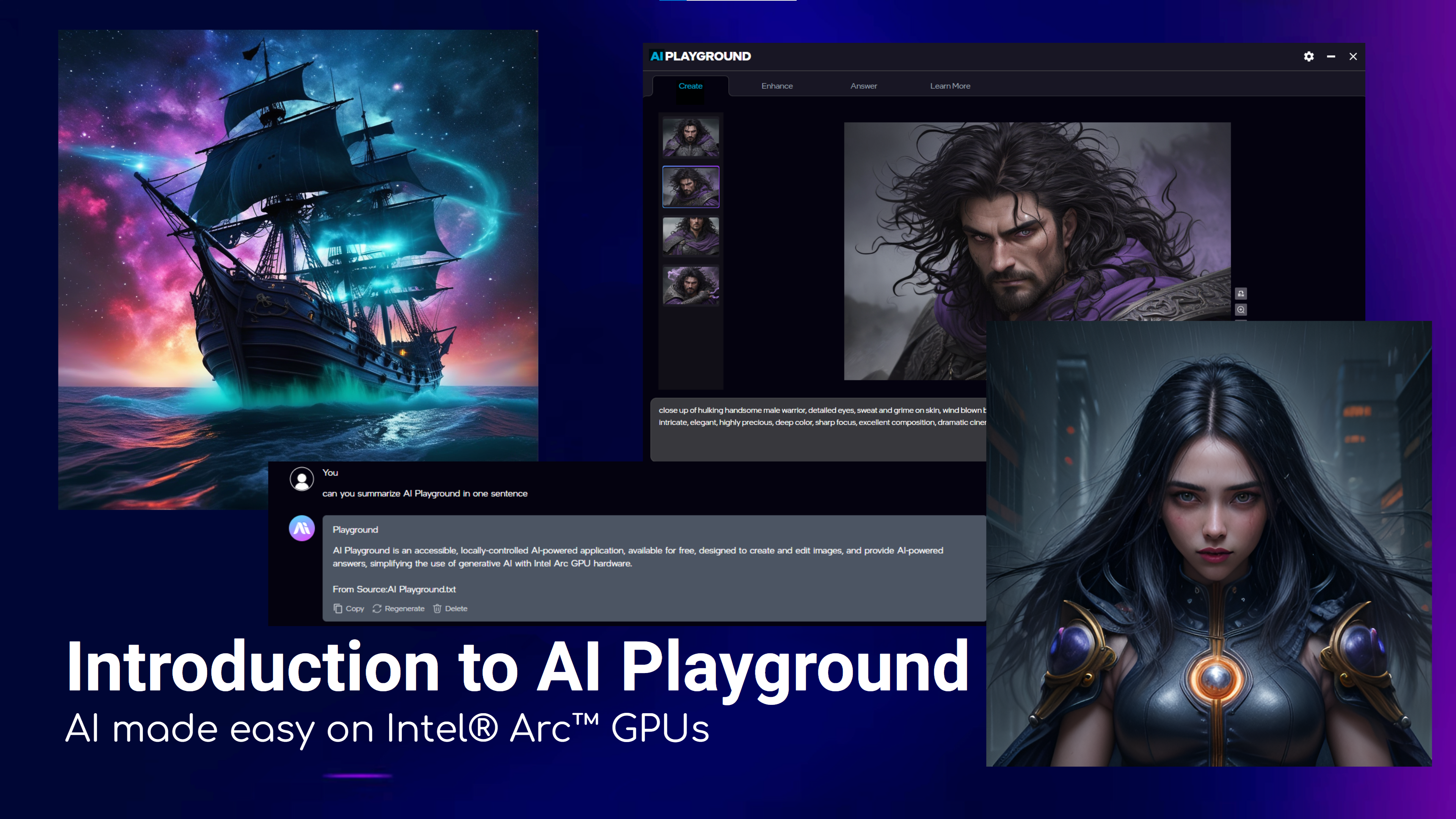
AI Playground v2.6.0 is now out and with it, we have impressive new features. Check out the main post on AI Playground for latest release and links to download.
As AI Playground leverages open-source projects and models it is able to move with the speed of the latest Gen AI capabilities. Because of this AI Playground v2.6.0 improves on our previous release providing version updates for our backend engines, allowing next generation models like GPT-OSS, Wan 2.1 VACE, and Flux.1 Kontext to run in AI Playground. Let’s dive in
Backends:
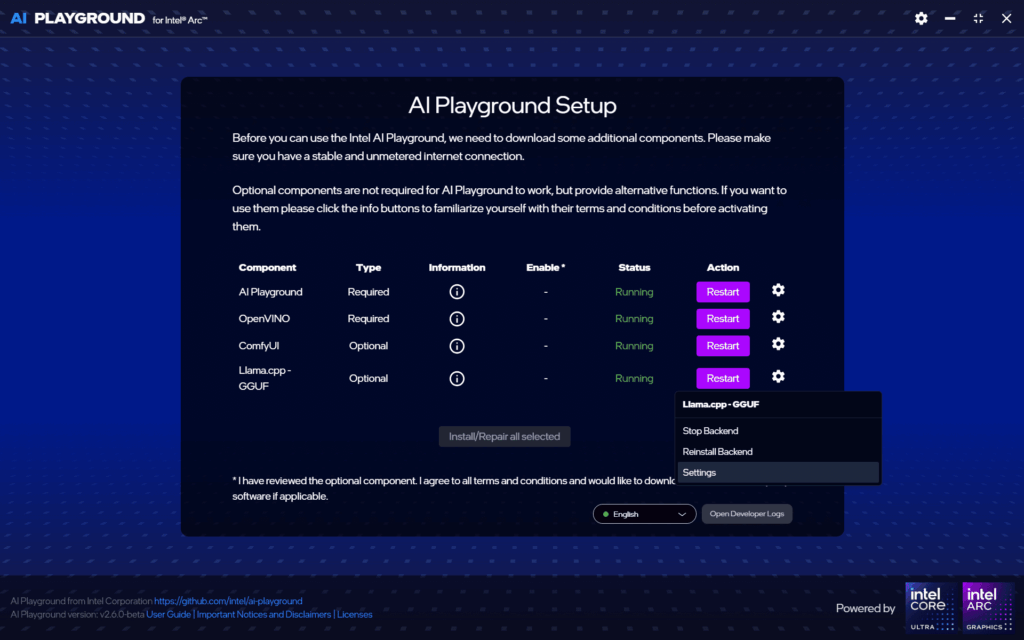
- Backend Version Control: All backends have been updated to recent versions of OpenVINO, ComfyUI and Llama.cpp. Additionally, we’ve added a Settings option for these back-ends, where users can target a version of their choice to install and run. This allows enthusiasts to update to newer versions of these frameworks for latest model compatibility, between AI Playground releases.
Create and Enhance Updates:
- Edit By Prompt: Powered by Flux Kontext [dev], this workflow allows you to simply describe how to edit a photo. No masking needed. Simply explain the type of change to make using the prompt, to edit or combine images.
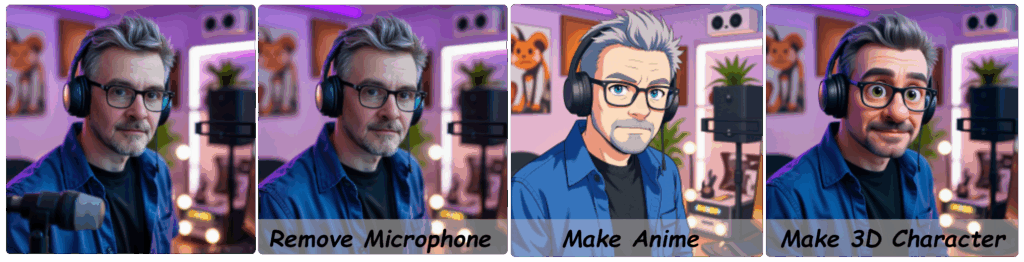
Edit By Prompt workflow showing edits to a photo; far left is original photo, to its right is edit using prompt “remove microphone”, to the right of that is an edit using prompt “make anime”, to the far right is an edit of the image with prompt “make 3d character” 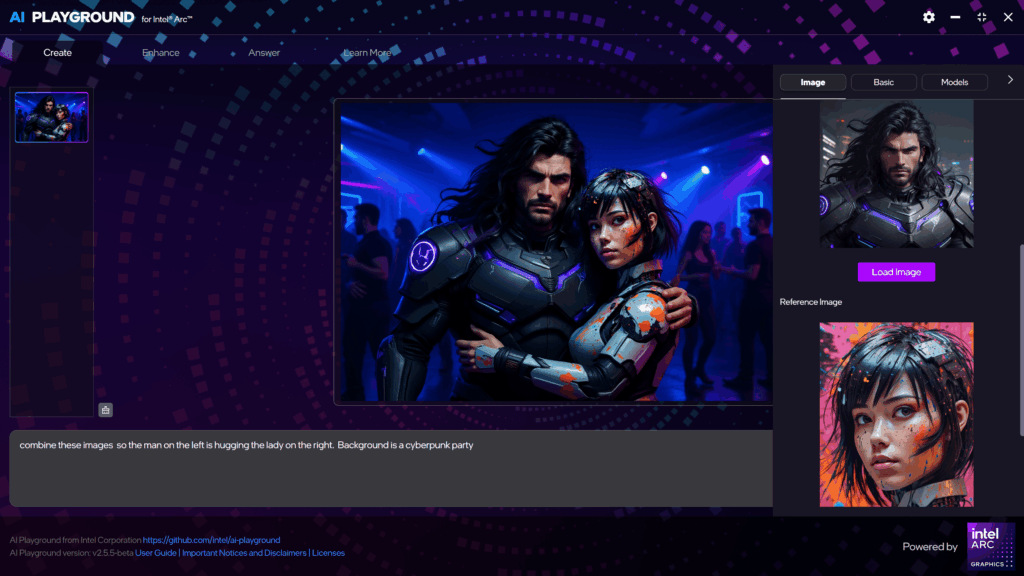
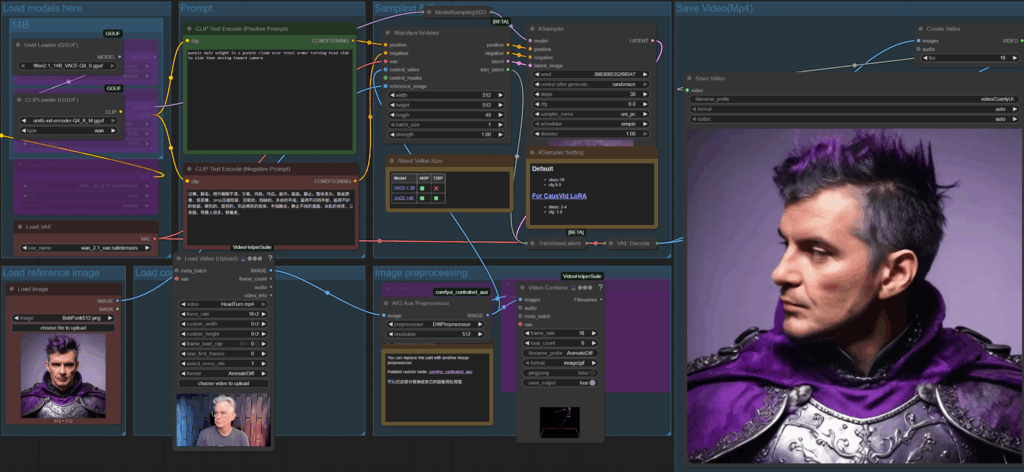
Edit By Prompt workflow combining two images with the prompt “combine these images so the man on the left is hugging the lady on the right. Background is a cyberpunk party” - Advanced Video Gen workflows for PCs with Intel Arc discrete GPUs have been added using Wan 2.1 VACE models. Image to Video, or Video to Video workflows have been added, allowing great control over the video generation.
Note: these models require a lot of compute and vRAM, it is recommended you first set the size to 512×512 and 49 frames. Type CTRL-Shift-i to see the console log to monitor progress and seconds per iteration. If you choose the 4 step solution, using the LoRA which reduces steps, the action in the video will be contained and may ignore your prompt direction.
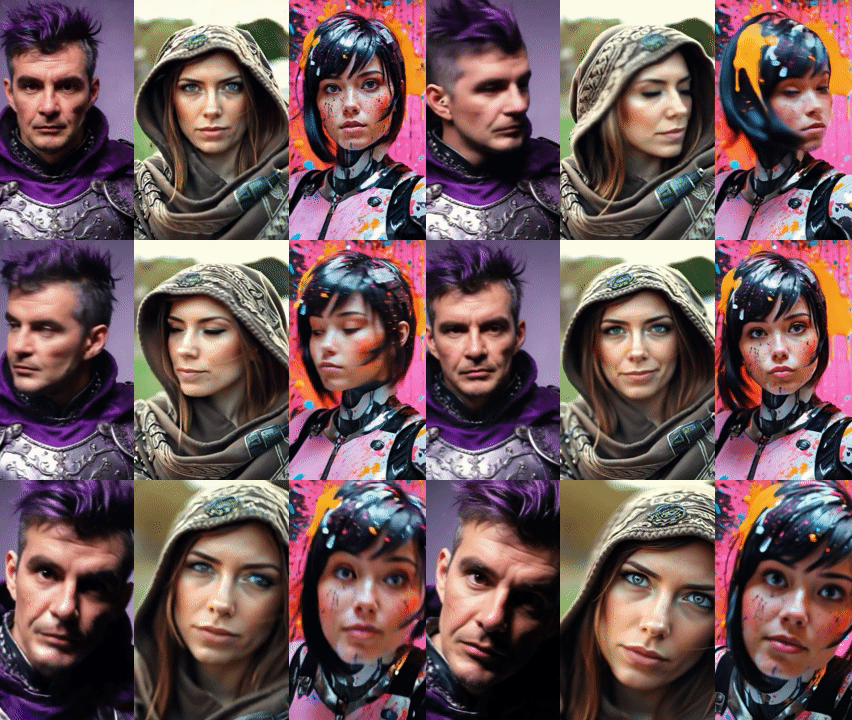
- Drag and Drop Thumbnails: You can now drag and drop output images from AI Playground into ‘Load’ image input fields, making it easy to use an output image from one workflow as the input for another.
- ComfyUI Link: You can now easily launch the ComfyUI web interface directly from AI Playground, which allows you to explore its features directly or use images generated from AI Playground workflows to gain more control over settings not exposed in AI Playground.
- PyTorch 2.8 Create and Enhance are now powered by PyTorch 2.8, keeping AI Playground up with the latest PyTorch release.
- Quick Access Modes for Standard vs HD settings are now available just above the Create Prompt, giving easy access when turning on demo mode
- Organized Workflow Menu: With the many new workflows added we’ve made a cleaner UI allowing you to select from workflows for Image Gen, Image Editing or Video Gen.
- Image Folders Names folder name format has switched to YYYYmmdd for easier organization and sorting
Cevap
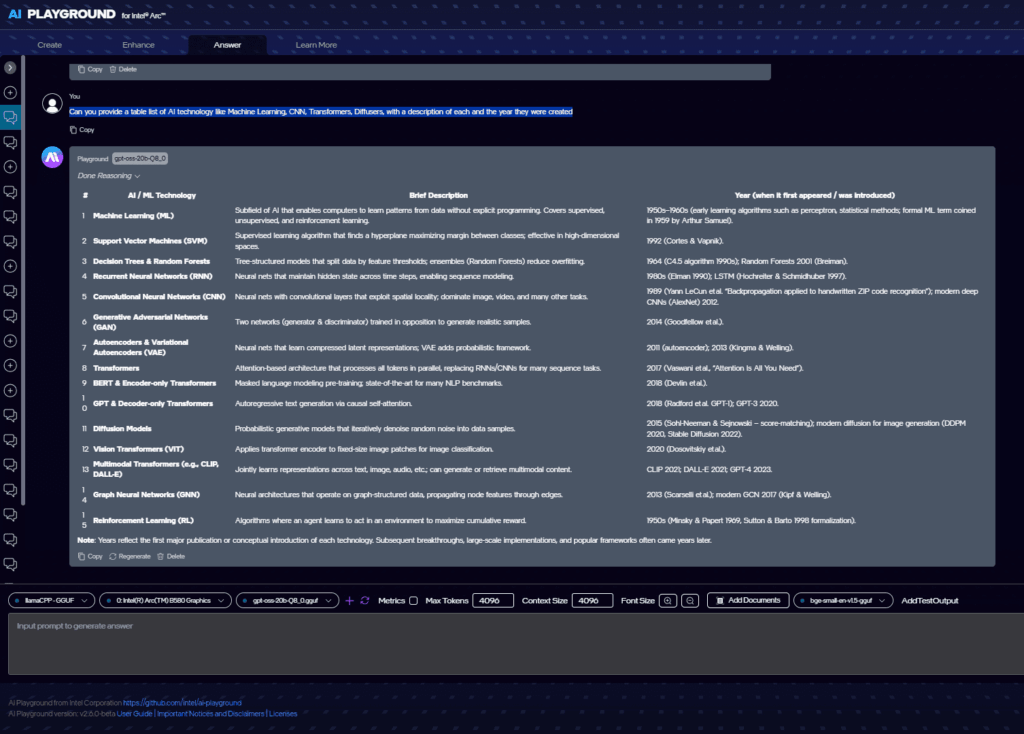
- GPT-OSS 20B The latest model from OpenAI, the creators of ChatGPT, GPT-OSS 20B has been added to our Llama.cpp backend. This new model is a reasoning model and looks to be good at code assistance.
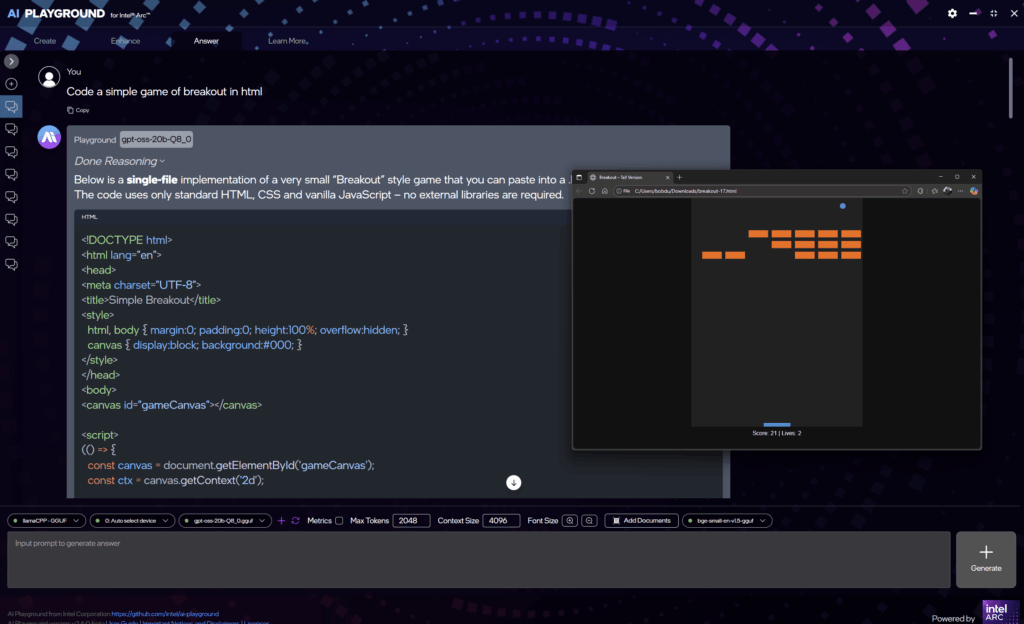
- Context Size: For Llama.cpp we have added Context Size. This will allow you to adjust the size of tokens allowed for the model to remember what you’ve been discussing.
Note: Changing this value will reset the backend and reload the model. Monitor the memory usage, which is model by model dependent by viewing the console output by typing Ctrl-Shift-i - Llama.cpp Vulkan replaces the previous SYCL variant, which should provide better performance than previous version
- OpenVINO additional compressed weights (cw) models added to OpenVINO NPU model list.
- Improved Output: Chat output styles updated and improved allowing for models to support better presentation of their answers
Other
- Demo Mode Added: Tool tip instructed demo mode can be activated from the settings json, providing guided experience for using AI Playground
- Acer VisionArt Workflow added to Workflows when AI Playground is installed on an Acer AI PC. This workflow generates images from prompt, upscales, outpaints, then places it on your system’s desktop
As always be sure to adhere to their model terms, and if you have questions or comments, drop us a line at http://discord.gg/intel in the ai-playground threads, or chat with me on X @bobduffy veya linkedin – Bob Duffy.






 English (United States)
  Spanish (Argentina)
  English (Australia/New Zealand)
  German (Austria)
  Portuguese
  English (Canada)
  Spanish (Chile)
  Chinese (China)
  Spanish (Colombia)
  English (Denmark)
  Arabic (Egypt)
  English (Finland)
  French
  German
  English (India)
  Indonesian
  Japanese
  Malay
Malay  Spanish (Mexico)
  English (Netherlands)
  English (Norway)
  Spanish (Peru)
  Tagalog (Philippines)
  Polish
  Arabic
  Korean
  Spanish (Spain)
  English (Sweden)
  English (Switzerland)
  Chinese (Taiwan)
  Thai
Thai  Turkish
  English (UK)
  Vietnamese
  Italian