
Delivered by Intel® Embree on Intel® GPUs
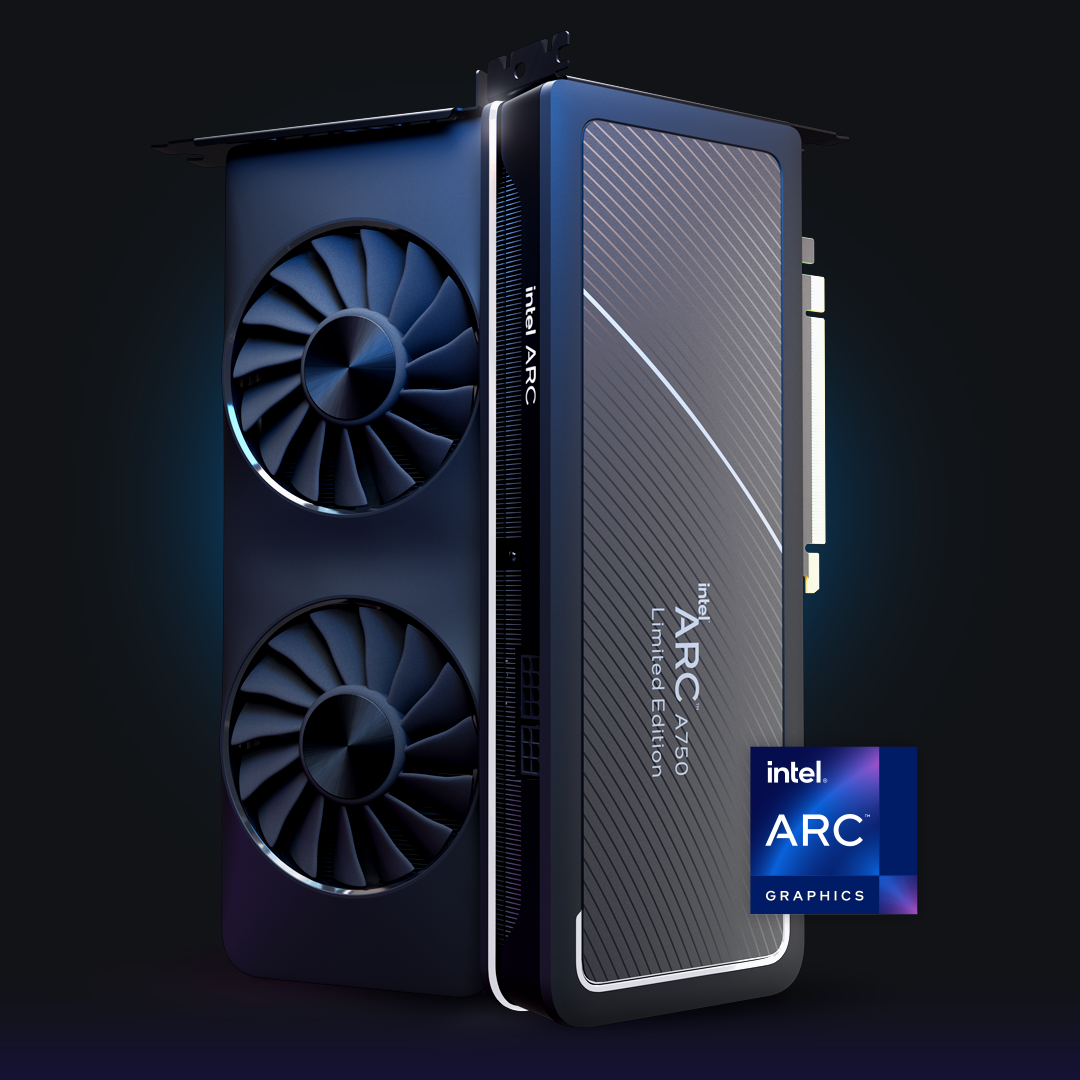
With Intel® Embree with support for Intel GPUs now part of Blender 3.6, content creators and other experts can take advantage of hardware-accelerated rendering using ray tracing hardware in Intel® Arc™ GPUs and Intel® Data Center Flex and MAX Series GPUs.
This added capability can decrease rendering times significantly depending on the scene and shaders. In the below video, I demonstrate the Bistro scene rendering 1024 samples at 1080p in roughly three (3) minutes with Embree optimizations ‘on,’ compared to five (5) minutes with Embree optimizations ‘off.’
Video demonstration of hardware-accelerated rendering provided by Intel Embree in Blender 3.6 Cycles on an Intel Arc GPU. The demo also shows denoising capabilities provided by Intel® Open Image Denoise.
Accelerated Rendering Performance
Performance will vary scene to scene, where at the time of the 3.6 LTS release, performance increases on average by ~35% with Intel Embree optimizations enabled.


Multiarchitecture Rendering Performance through Intel® Embree

Intel® Embree is a well-established and award-winning open source ray tracing library. It has been an integral part of Blender for many years, delivering accelerated CPU-based rendering that animation and VFX studios rely on to efficiently render very complex scenes. Now with Intel Embree providing optimized GPU rendering, further productivity can be gained.
Intel Embree is part of the Intel® oneAPI Rendering Toolkit, which comprises other advanced ray tracing components as well, such as the Intel® Open Image Denoise library. The Intel Open Image Denoise library may be more familiar to Blender users as the expert denoising solution for both professional and hobbyist 3D artists. Intel Open Image Denoise 2.0 recently released with GPU compute, supporting SYCL*, CUDA* and HIP* devices. We are excited for this enhancement and look forward to seeing it in a future version of Blender.

Open Software Approach Benefits the Ecosystem
oneAPI (an open, multiarchitecture/multivendor programming model), and the Intel Embree and Open Image Denoise libraries are key to Intel’s approach to supporting the graphics ecosystem, by providing advanced open software solutions that enable unique hardware capabilities, delivering increased rendering performance, while retaining or improving render quality, and providing flexibility between CPU and GPU rendering.
If you have been following Intel Graphics and our strategy for Intel GPUs this approach may sound familiar. With Intel Arc GPUs, we focused on aligning with modern APIs while adding open software solutions to drive performance and quality. Since the release of Intel Arc desktop GPUs in the fall of 2022, we improved performance consistently with new optimized drivers.
Similarly, with creator software like Blender, our Intel GPU performance will continue forward with more software improvements ahead including driver optimizations, additional rendering tools support for GPUs, and advanced Intel ray tracing technology integrations into many industry-leading renderers.
You can download Blender 3.6 LTS from Blender.org with support for Intel Embree, Open Image Denoise and Intel GPUs.
To take advantage of Embree’s optimizations for hardware acceleration:
- In the Properties panel, set your rendering preferences to Cycles and set the device type to GPU
- In System Preferences choose the oneAPI From there you will see your Intel GPU and CPU target. Select a preferred GPU(s) and check the Embree box to enable Embree.
To learn more about Intel Embree and ray tracing hardware, visit embree.org
Compatibility: At time of this blog, Intel Embree for Blender 3.6 is compatible with both Windows and Linux, however issues have been spotted with scenes requiring long render times in Windows. Be sure to use the latest graphics drivers to ensure best performance and stability.
Notices and Disclaimers
Performance varies by use, configuration and other factors. Learn more on the Performance Index site.
Performance results are based on testing as of dates shown in configurations and may not reflect all publicly available updates. See backup for configuration details. No product or component can be absolutely secure.
Chi phí và kết quả của quý vị có thể khác nhau.
Intel technologies may require enabled hardware, software or service activation.
Intel does not control or audit third-party data.You should consult other sources to evaluate accuracy.
© Intel Corporation. Intel, the Intel logo, Arc, and other Intel marks are trademarks of Intel Corporation or its subsidiaries. *Other names and brands may be claimed as the property of others.



 English (United States)
  Spanish (Argentina)
  English (Australia/New Zealand)
  German (Austria)
  Portuguese
  English (Canada)
  Spanish (Chile)
  Chinese (China)
  Spanish (Colombia)
  English (Denmark)
  Arabic (Egypt)
  English (Finland)
  French
  German
  English (India)
  Indonesian
  Japanese
  Malay
Malay  Spanish (Mexico)
  English (Netherlands)
  English (Norway)
  Spanish (Peru)
  Tagalog (Philippines)
  Polish
  Arabic
  Korean
  Spanish (Spain)
  English (Sweden)
  English (Switzerland)
  Chinese (Taiwan)
  Thai
Thai  Turkish
  English (UK)
  Vietnamese
  Italian